|
|
|||||||||
| Software: RF Cascade Workbook | RF Symbols for Office | RF Symbols & Stencils for Visio | Espresso Workbook | ||||||||||
|
|||||||||||||||||||||||||||||||
   |
   |
||||||||||||||||||||||||||||||
|
Please Support RF Cafe by purchasing my ridiculously low-priced products, all of which I created. RF & Electronics Symbols for Visio RF & Electronics Symbols for Office RF & Electronics Stencils for Visio T-Shirts, Mugs, Cups, Ball Caps, Mouse Pads These Are Available for Free |
|||||||||||||||||||||||||||||||



RF & Electronics Stencils for Visio™ (r4)
--- >1,000 Custom-Created Stencils ---
 [business/away-incl.htm]
You DO NOT need a PayPal account to order.
Got the
right shapes type?
(see others)
$44.95 per user

Note: I fill orders personally, not via an automated process. Therefore, there could be an hour or more delay. Files are sent as an attachment (~12 MB) to the e-mail in your PayPal account.
Notes
Trust Center Message
Beginning with version 2013, the Trust Center by default blocks files created in earlier versions. Please see this article for how to unblock the files.
Missing SP6T Switch Symbol.
The original Switches .vss file was missing the SP6T switch. Please send me an e-mail if you want a replacement file.
Where to store files?
I recommend creating a new folder titled "RF Electronics Stencils" and then unzipping the files into it. For versions of Windows through Win10, the path will typically look like this:
.\Documents\My Shapes\RF Electronics Stencils\
If you are using Visio™ 2013 or later, you might want to re-save the files in the .vssx and .vsdx XML format since they are typically much smaller.
Page templates
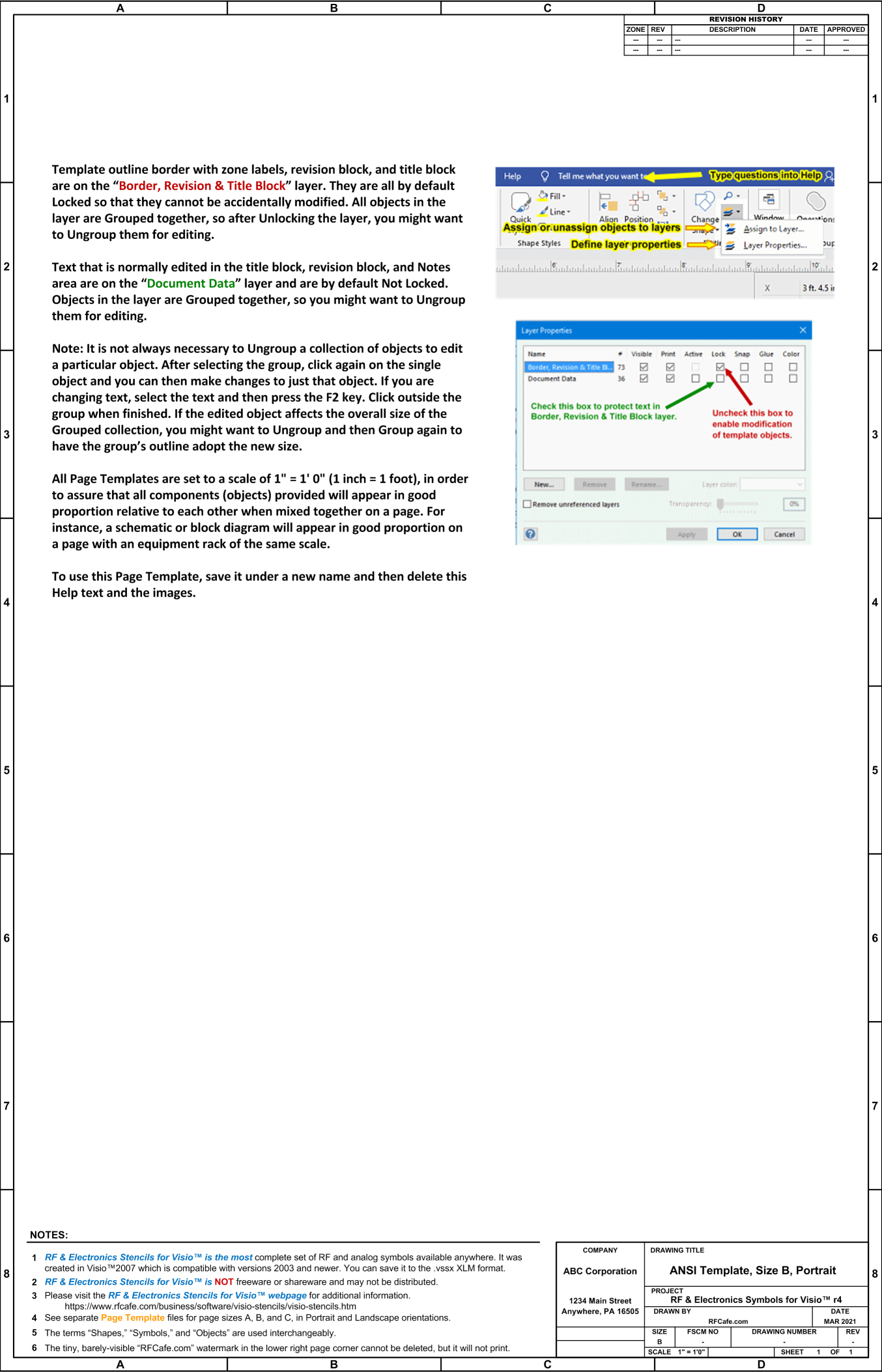
I recommend that you begin by using one of the included Page Template files for developing your diagram. Some basic information is on the "Hints & Tips" page to help you get started. Standard A-, B-, and C-size drawing templates (.vsd files) are provided that come with a Page Scale preset to play well with the supplied stencil objects. You may, of course, change the page scale to whatever is most convenient for you. If large changes are made, you might need to re-size text and line widths.
Switches
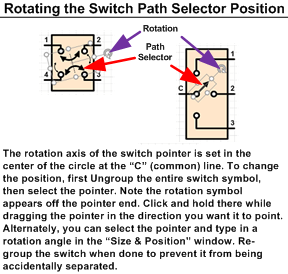 The position selection pointer has its rotation
axis set on the common "C" terminal so the pointer can easily be made to contact
any of the switch positions.
The position selection pointer has its rotation
axis set on the common "C" terminal so the pointer can easily be made to contact
any of the switch positions.
Component parameters
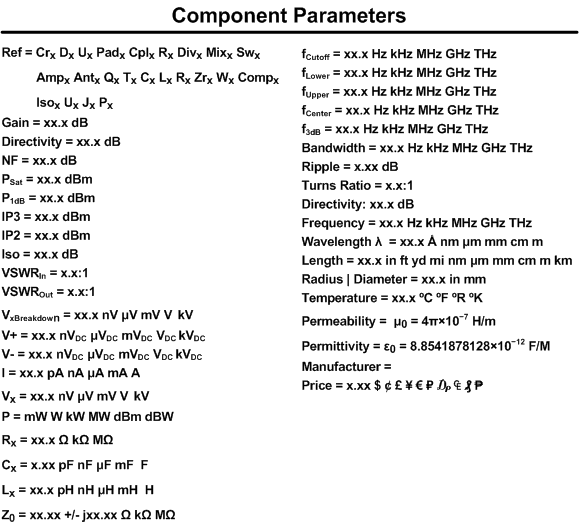
Rather than attach an electrical parameter set to each stencil, a separate generic stencil is provided that can be added to shapes and modified as needed. You can of course add your own text objects to the drawing, just as you can add any other type of Visio built-in objects.
XML file format
If you are using Visio™ 2013 or later, you might want to re-save the files in the .vssx and .vsdx XML format since it is typically much smaller.
 Security warning?
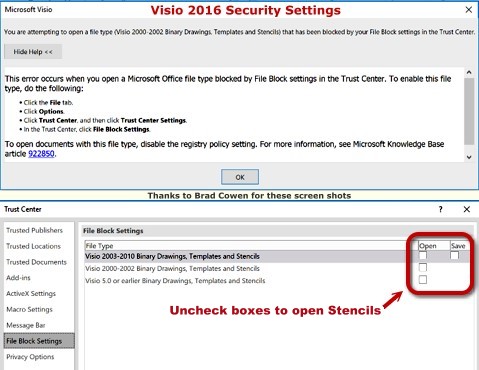
Visio 2013 and beyond requires additional Security settings to open the Stencils.
 Shapes not aligning to grid?
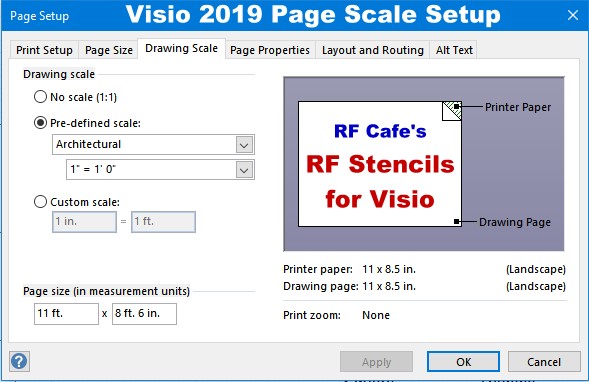
Components are drawn to align to a grid set up for: Page Setup -> Drawing Scale -> Architectural Scale of 1" = 1' 0".
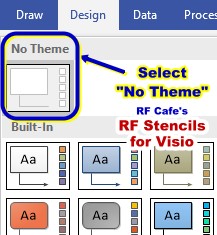 Colors not appearing properly?
Make certain that the Color Themes are set to "No Theme"
End User License Agreement (EULA)
This product is NOT Shareware, Freeware, or an Evaluation version. Its legal use is contingent upon purchase directly from RF Cafe, as no distributors are authorized. Unauthorized copying, alteration or distribution of this product is prohibited by law. Please visit the RF Cafe website to submit payment for this product. Simply put, you may not use this product if you have not paid for it.
Disclaimer: "RF & Electronics Stencils for Visio™" is offered AS IS. Your use of this product implies you alone accept responsibility for results obtained through its use, and will hold harmless Kirt Blattenberger, RF Cafe, and all associates for any losses incurred through its use. This product has been tested very thoroughly, and there are no known problems at the time of release.
 This set of more than 1,000 uniquely designed
RF & Electronics Stencils for Visio™ were built in
Visio™ 2007 and tested in 2019. They use the .vss and .vsd file formats, which
is compatible with Visio™ 2003 up through the most current version.
This set of more than 1,000 uniquely designed
RF & Electronics Stencils for Visio™ were built in
Visio™ 2007 and tested in 2019. They use the .vss and .vsd file formats, which
is compatible with Visio™ 2003 up through the most current version.
Every stencil symbol has been built to fit proportionally on the included A-, B-, and C-size drawing page templates (or use your own page if preferred). Components are provided for system block diagrams, conceptual drawings, schematics, test equipment, racks (EIA 19", ETSI 21"), and more.
Test equipment and racks are built at a 1:1 scale so that measurements can be made directly using Visio built-in dimensioning objects. Page templates are provided with a preset scale (changeable) for a good presentation that can incorporate all provided symbols. A look through the stencil sets below testifies to the claim of completeness, and a consistent appearance will assure a premium quality presentation. These symbols took many hundreds of hours to create, so the minimal cost can easily be justified for time they will save you.
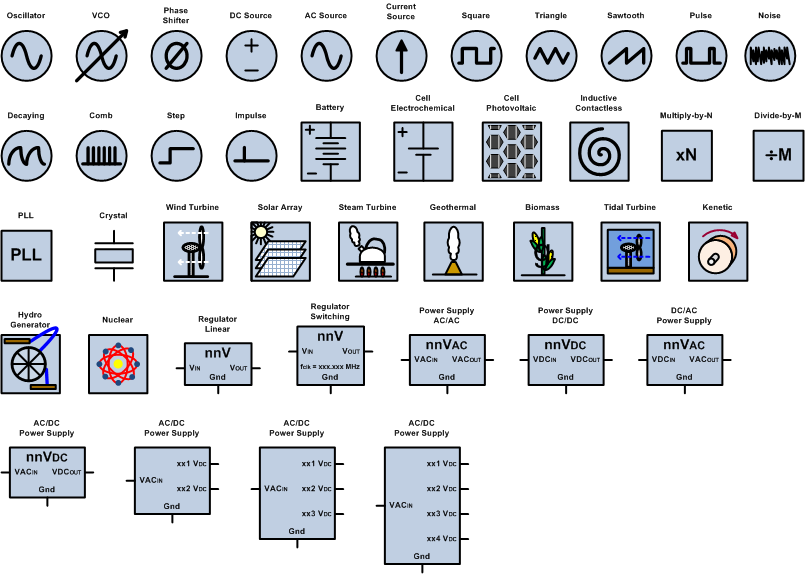
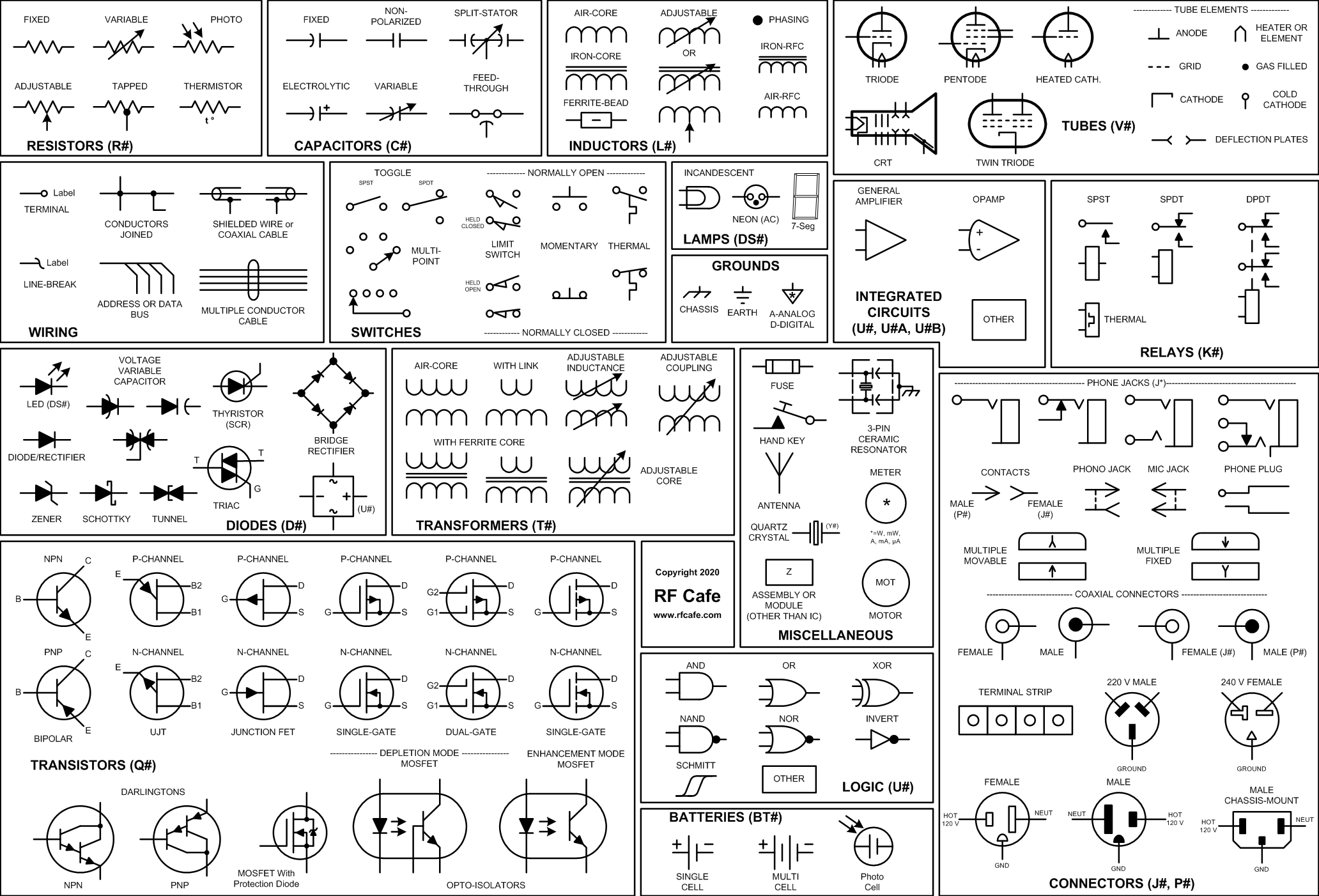
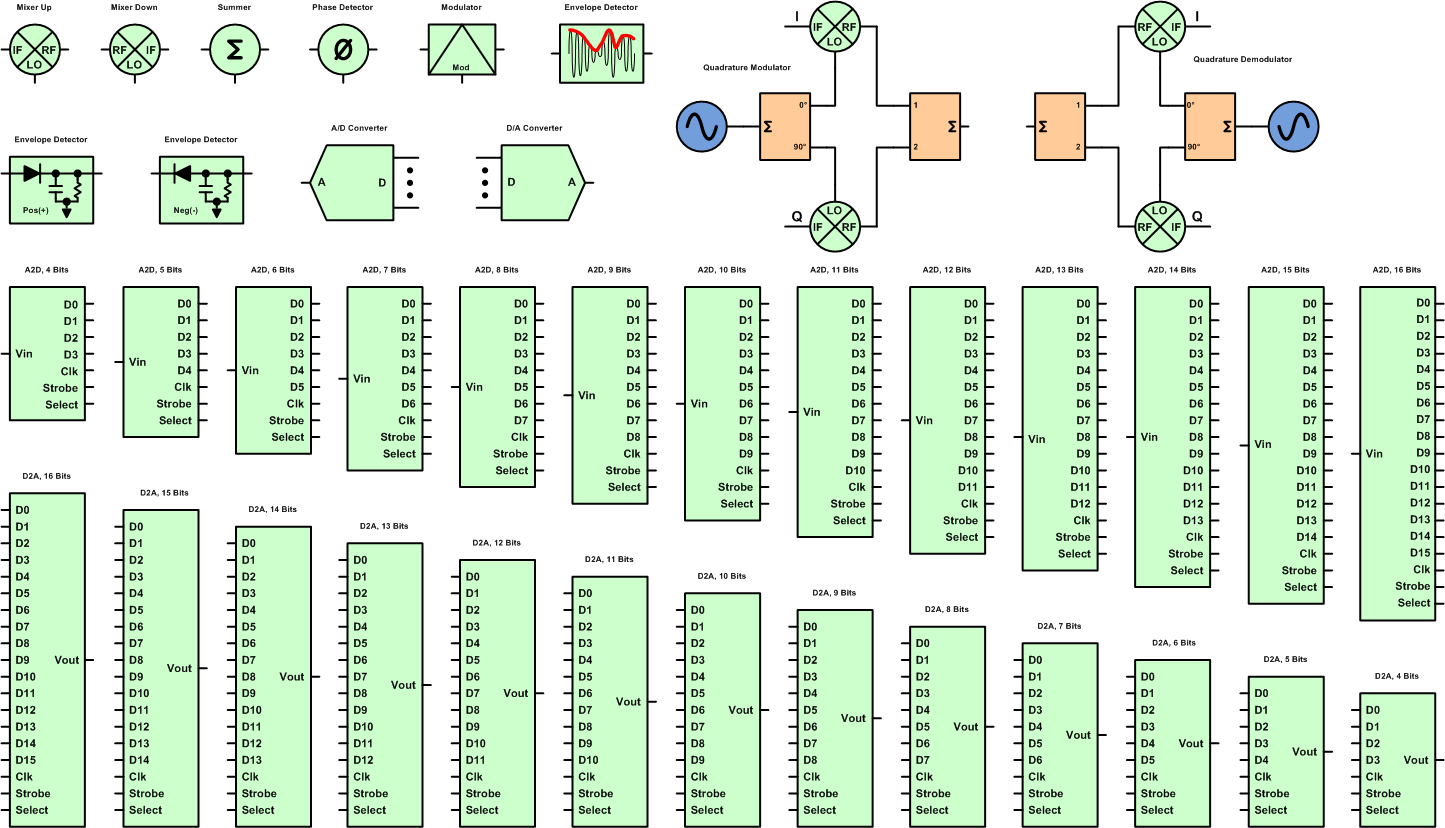
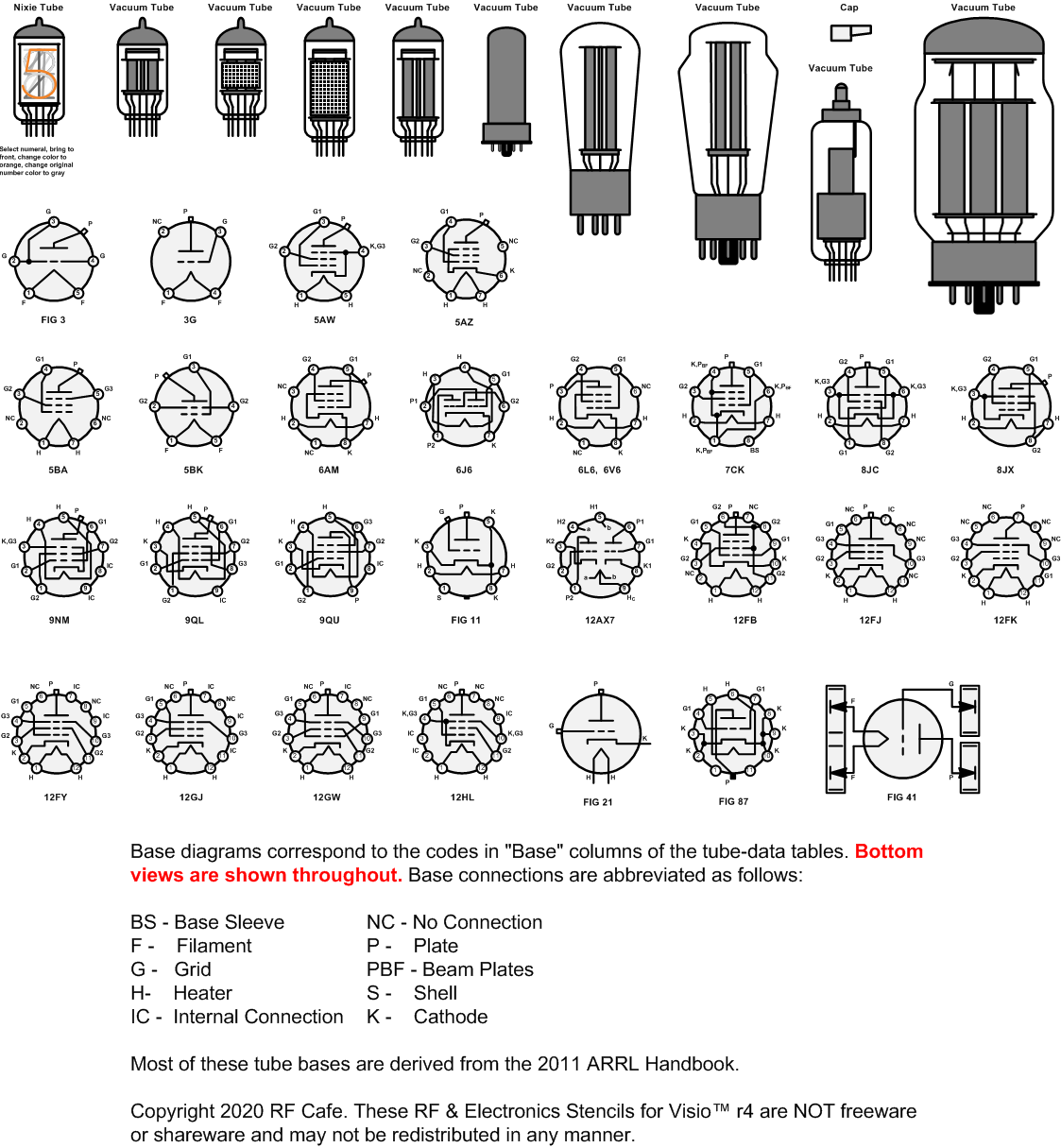
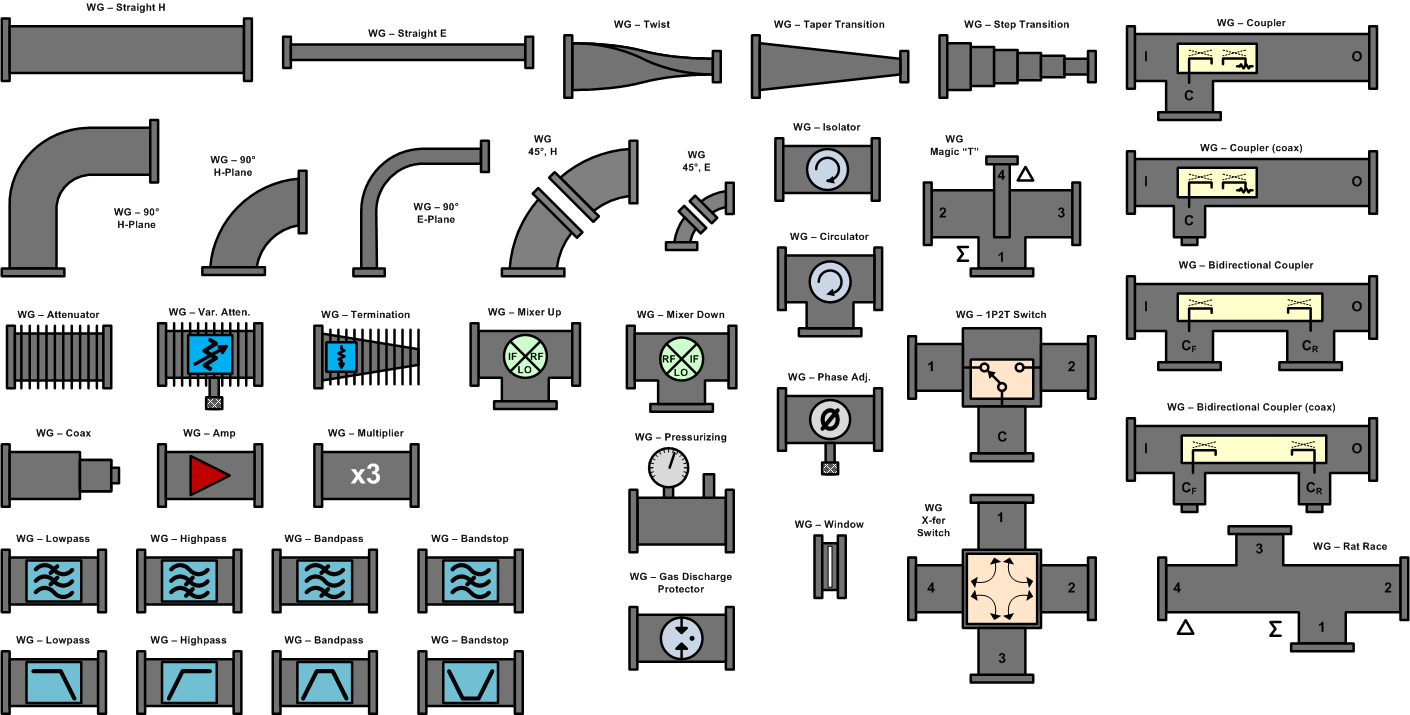
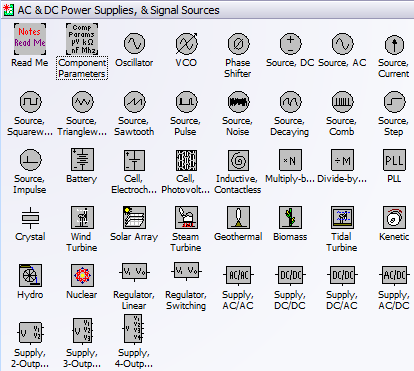
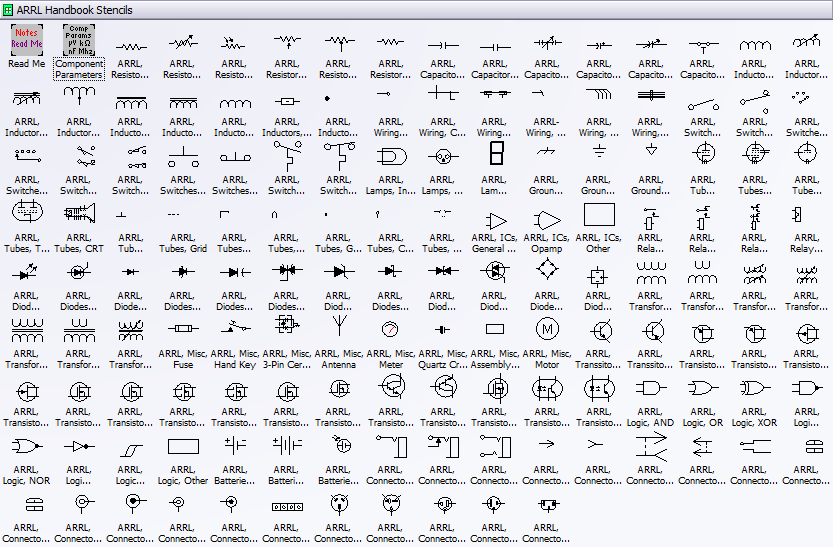
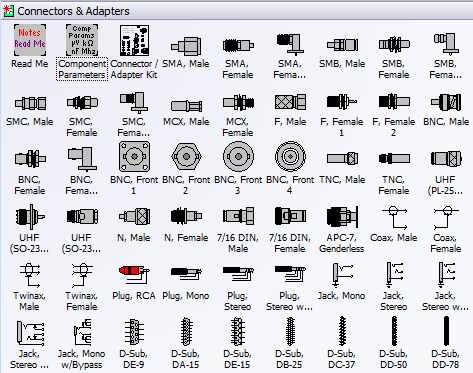
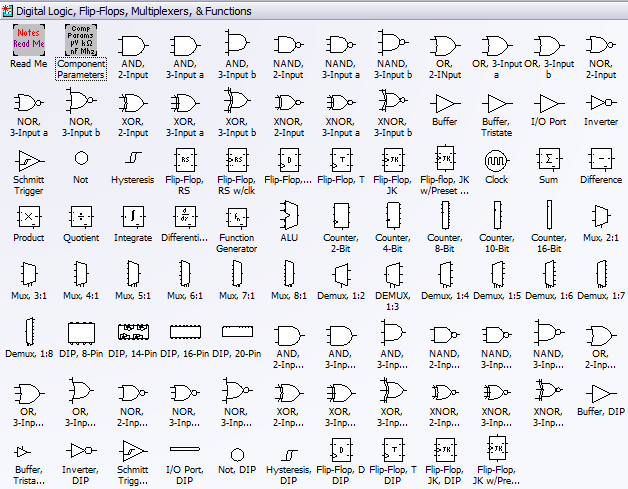
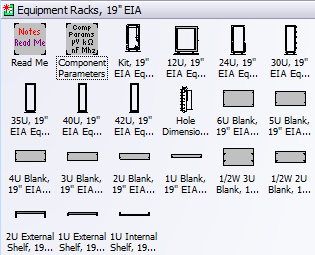
Below are screen captures of all the stencil sets provided with RF & Electronics Schematic & Block Diagram Stencils for Visio™ (r4). Click on the thumbnails for large versions. Please check the NOTES section on this page for instructions and/or any updates.
| AC, DC, Signal Sources
|
 |
| Amplifiers, Opamps
|
 |
| Antennas, Towers
|
 |
| ARRL 2011 Handbook Symbols |
 |
| Attenuators, Terminations
|
 |
| Connectors
Special "Connector Kit" makes building in-series and between-series adapters simple. |
 |
| Converters, Mixers, Modulators, Detectors
|
 |
| Couplers, Hybrids, Samplers
|
 |
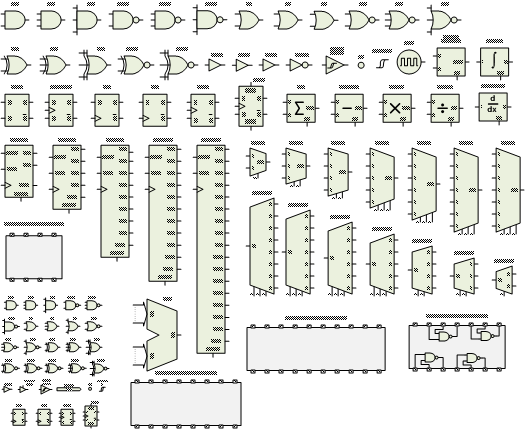
| Digital, Logic
|
 |
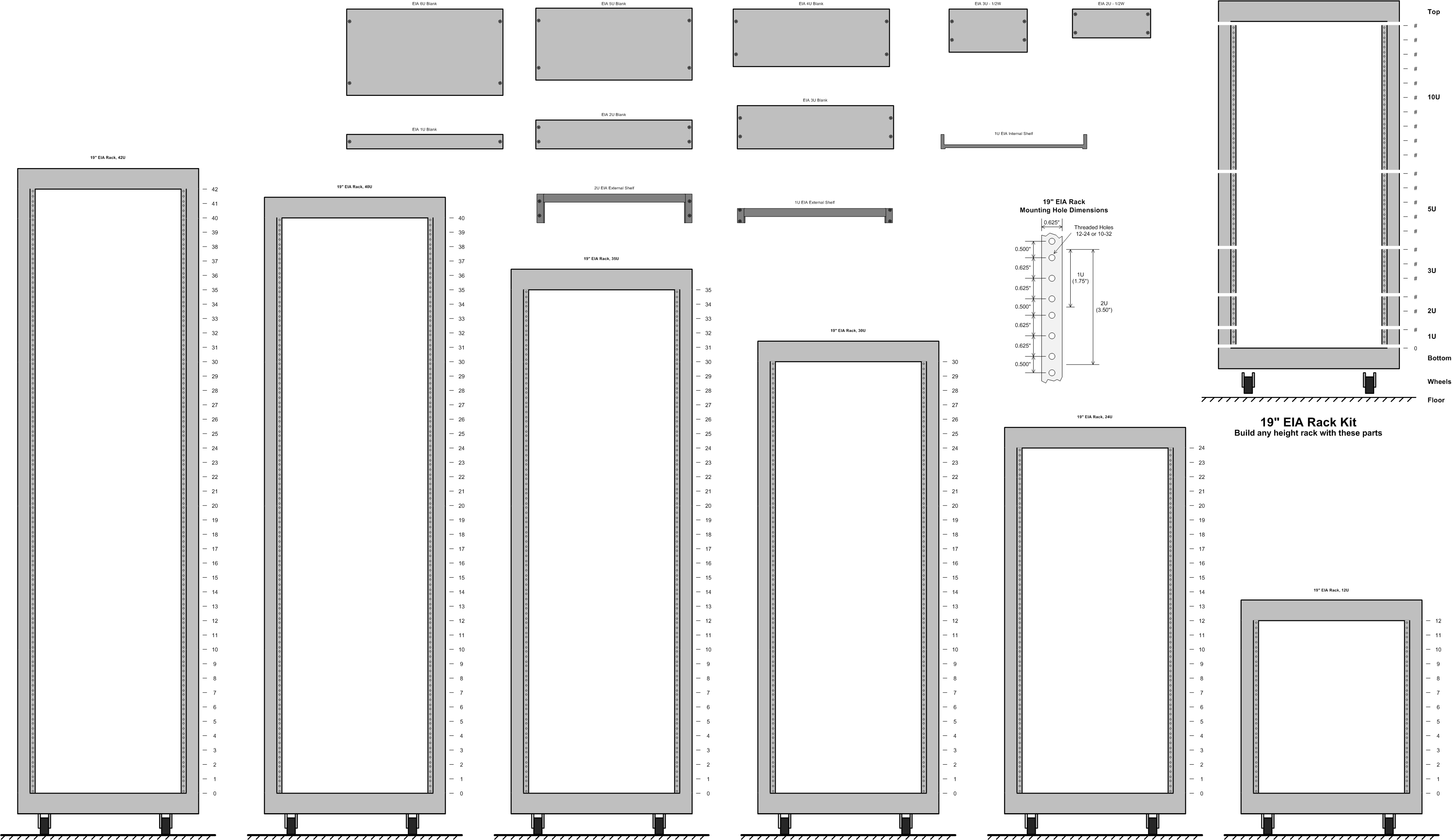
| EIA 19" Equipment Racks
Special "Workbench Kit" makes building a workbench of any size easy. |
 |
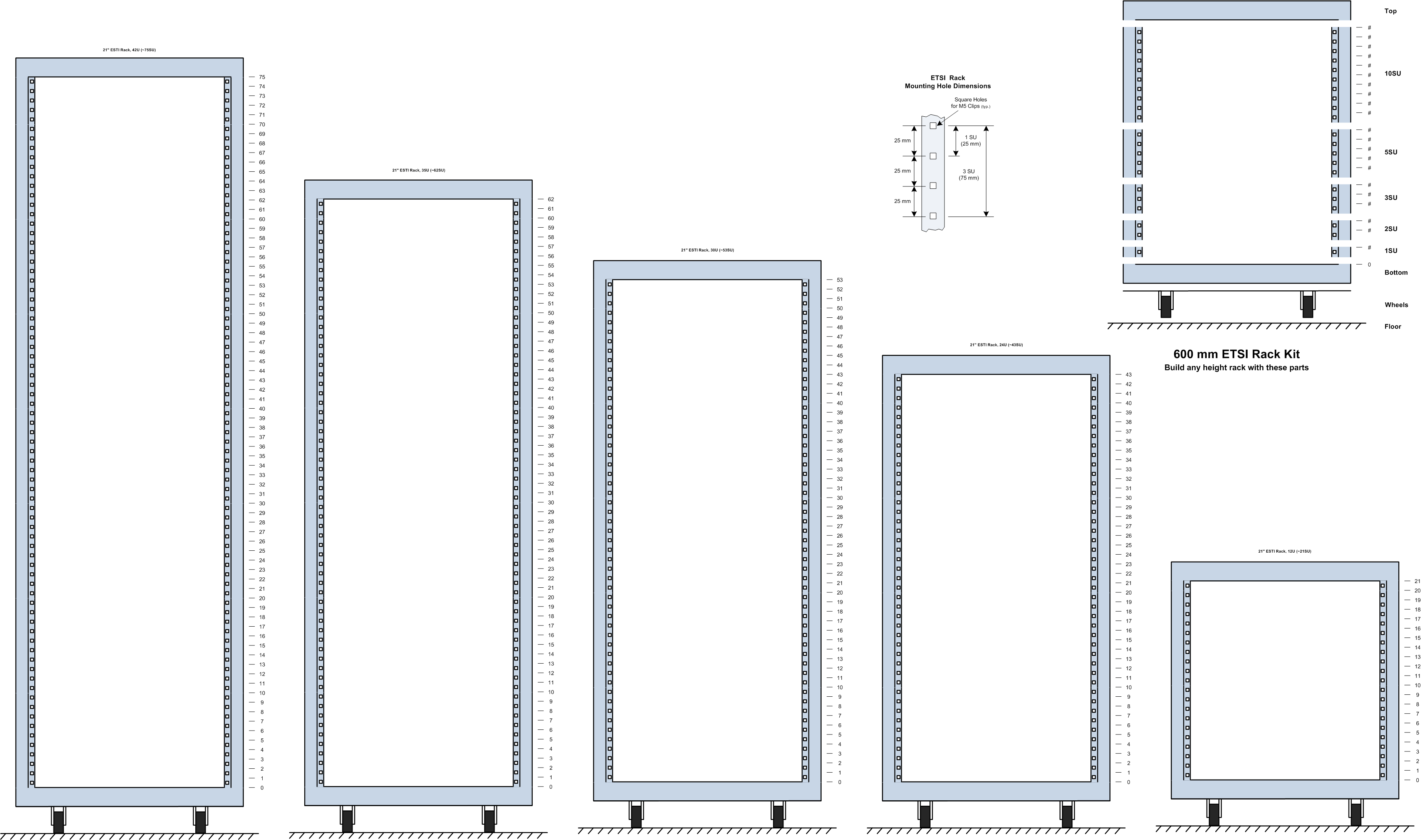
| ETSI (metric) 21" Equipment Racks
|
 |
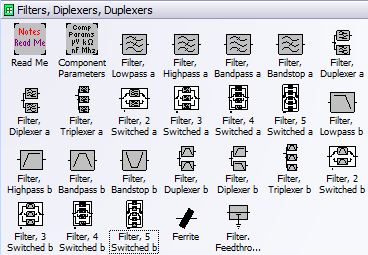
| Filters, Diplexers, Duplexers
|
 |
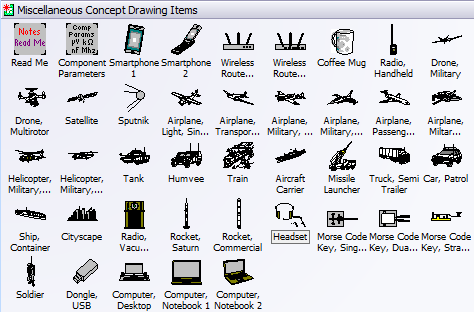
| Planes, Trains, and Automobiles, Wireless Devices
|
 |
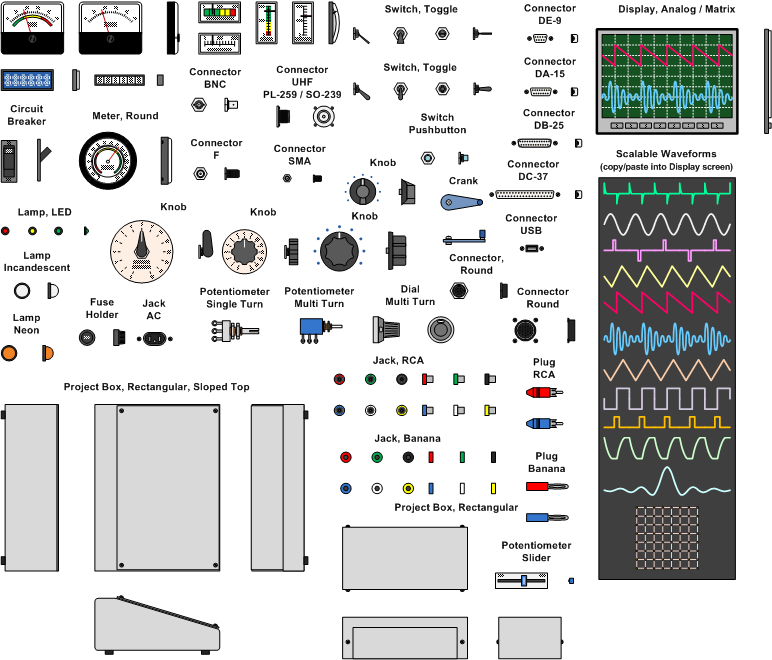
| Panel Components
|
 |
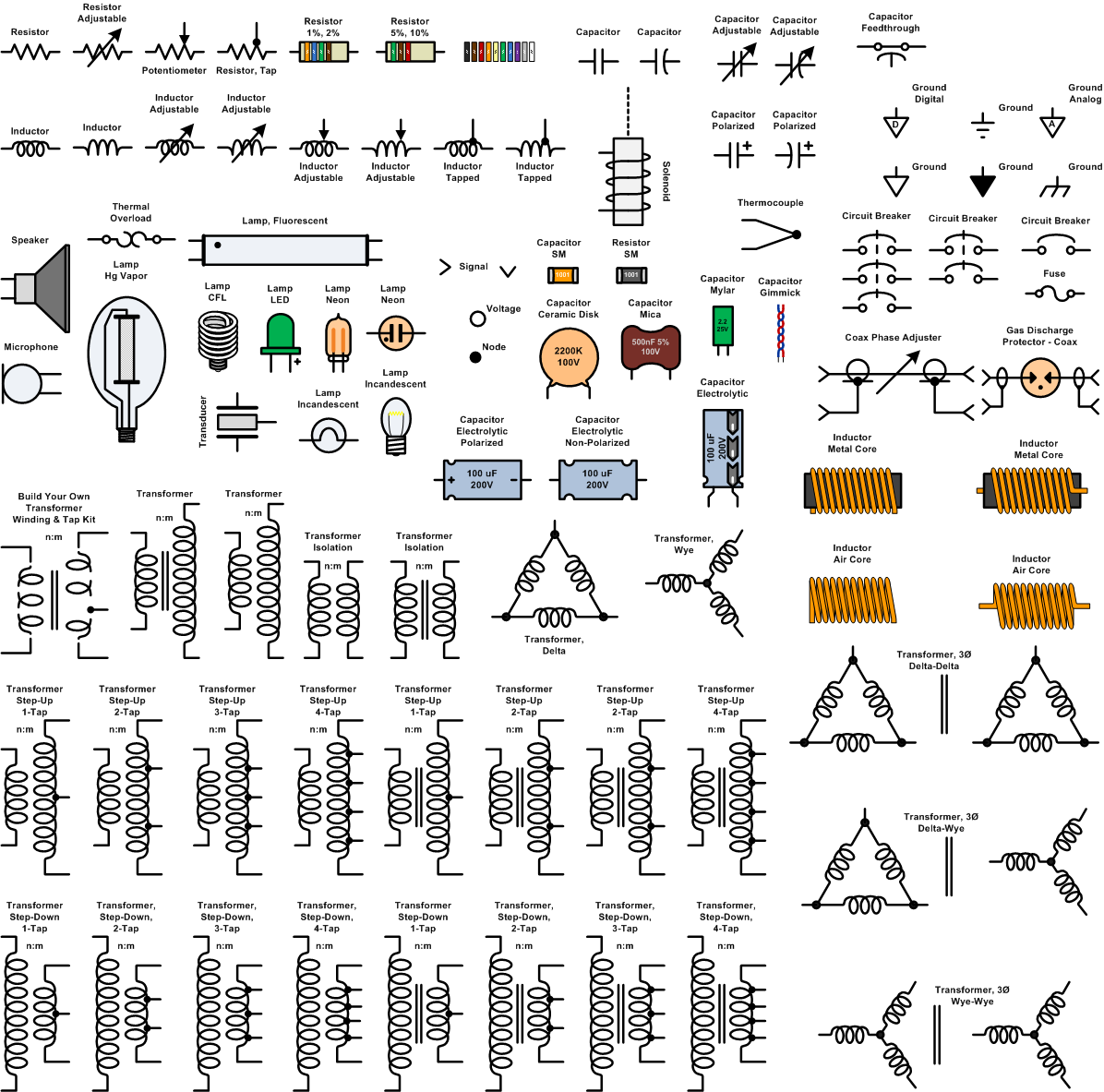
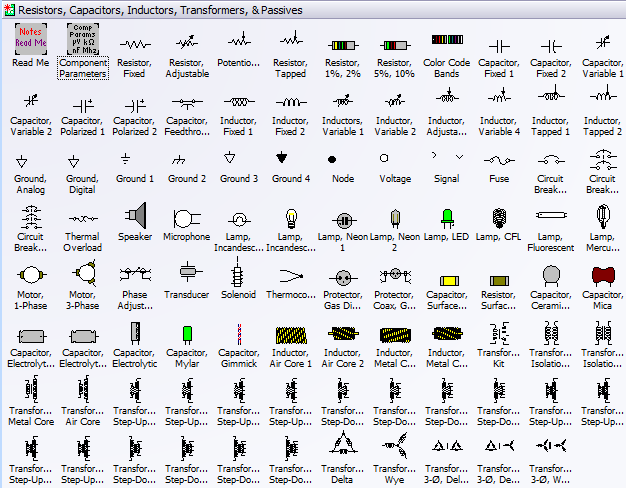
| Resistors, Capacitors, Inductors, Transformers, Lamps, Passives
|
 |
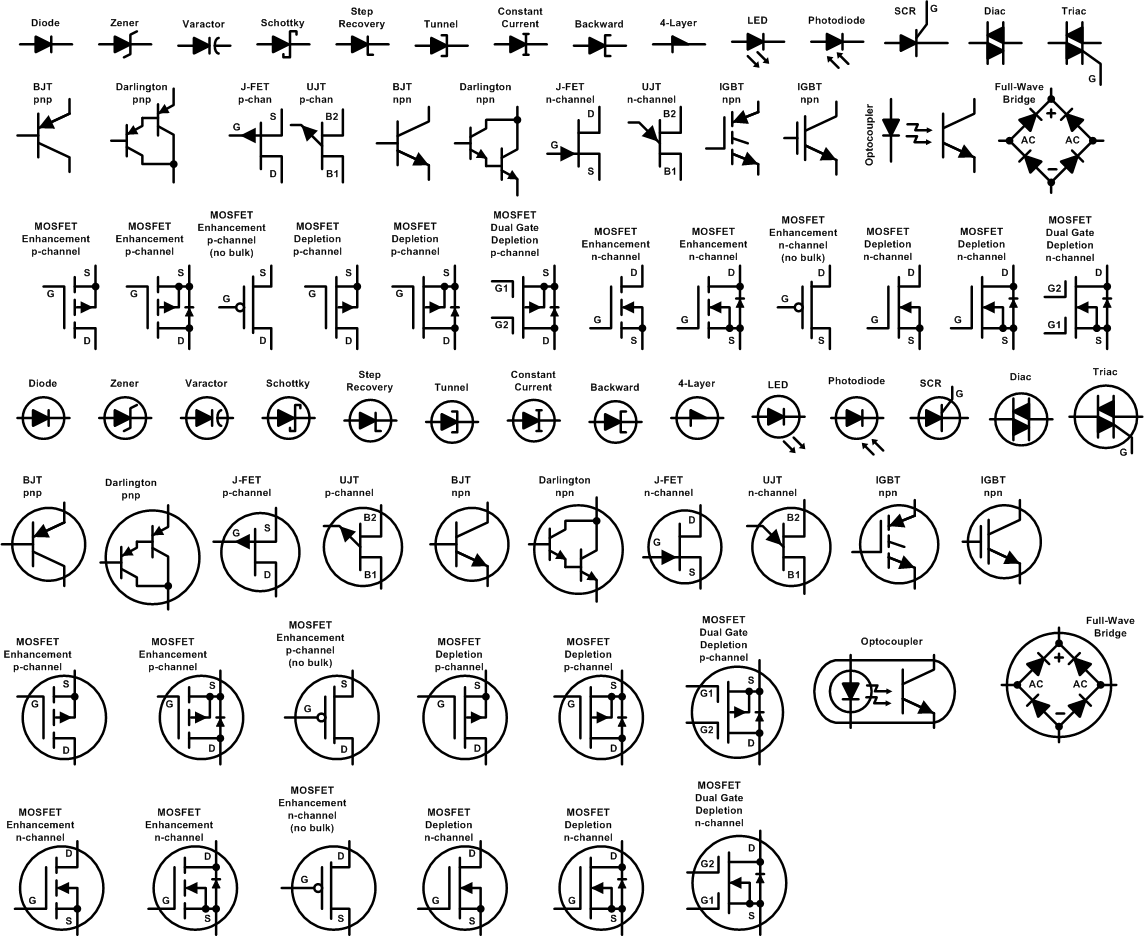
| Semiconductors
|
 |
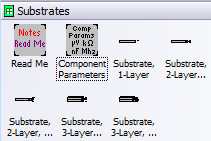
| Substrate Stacks
|
 |
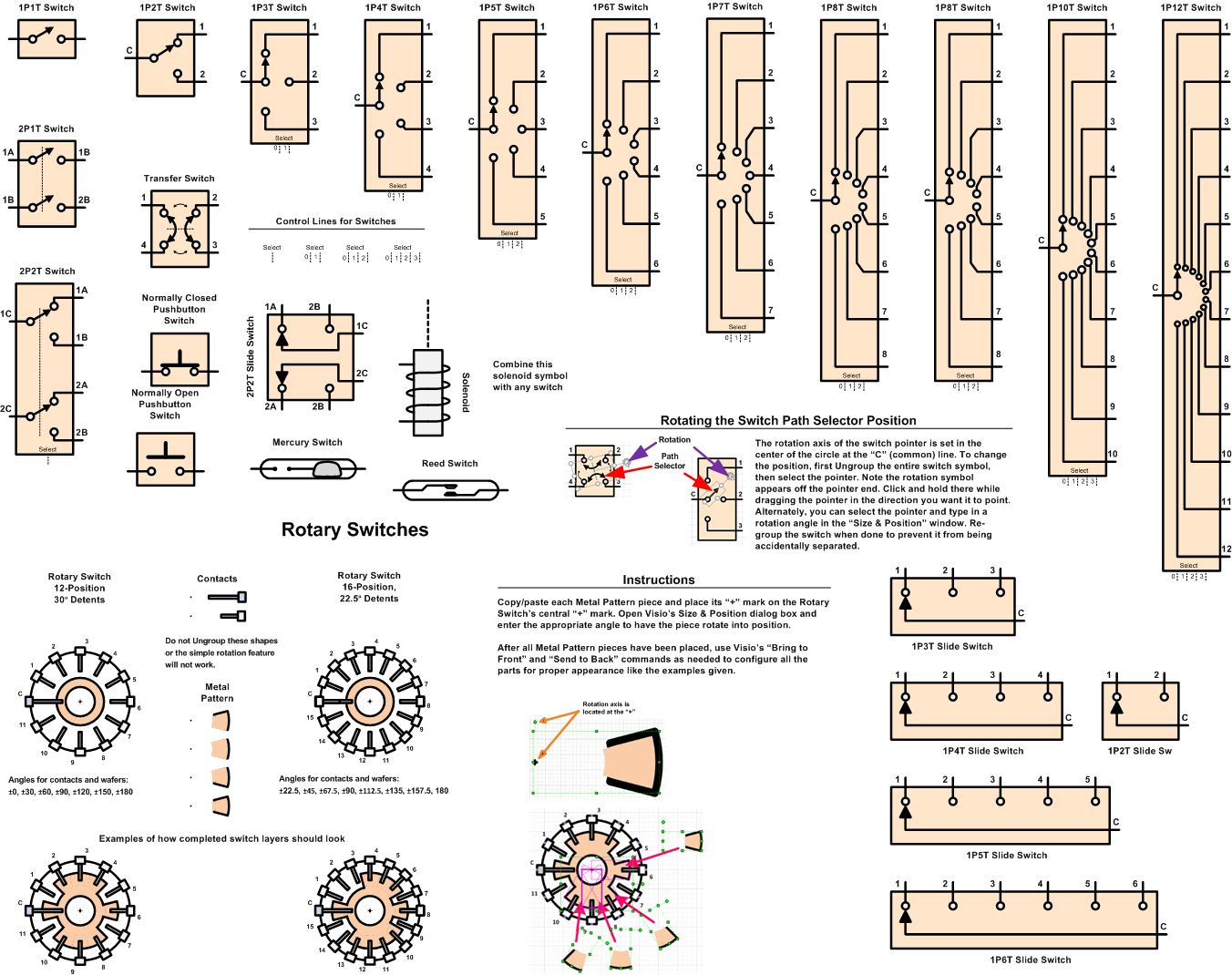
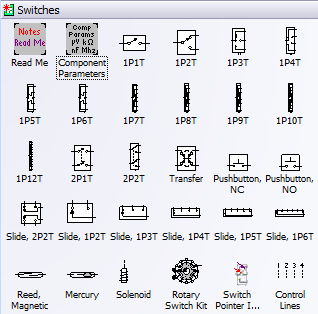
| Switches
|
 |
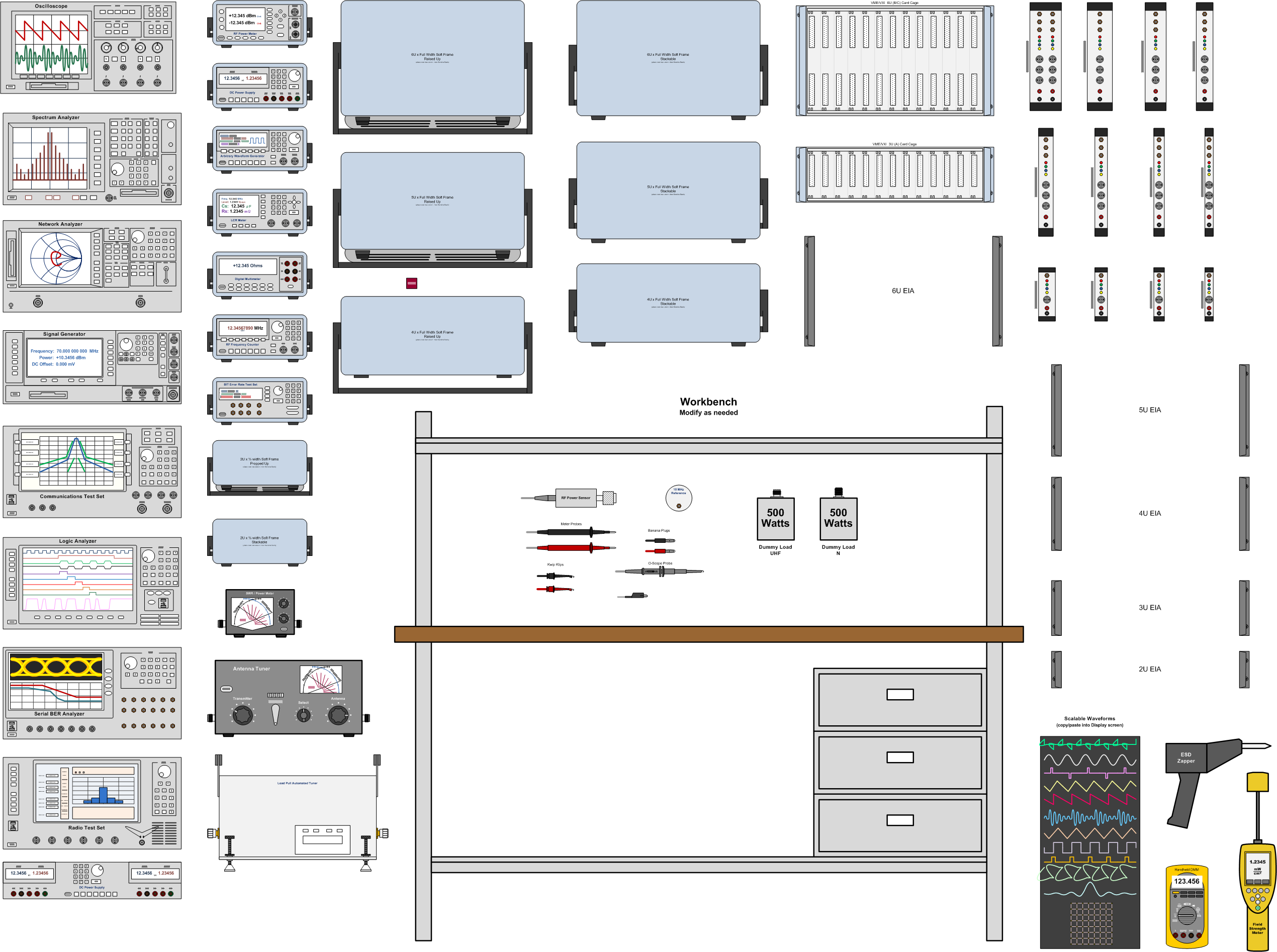
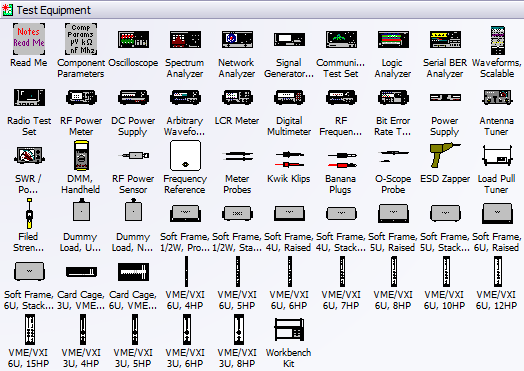
| Test Equipment
Flanges for rack mounting and frames for bench top placements included. Instruments are generic and can be modified as needed. |
 |
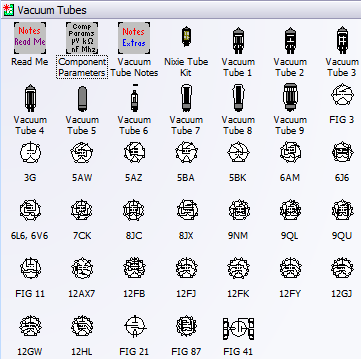
| Vacuum Tubes
|
 |
| Waveguide
|
 |
| Component Parameters
|
 |
|
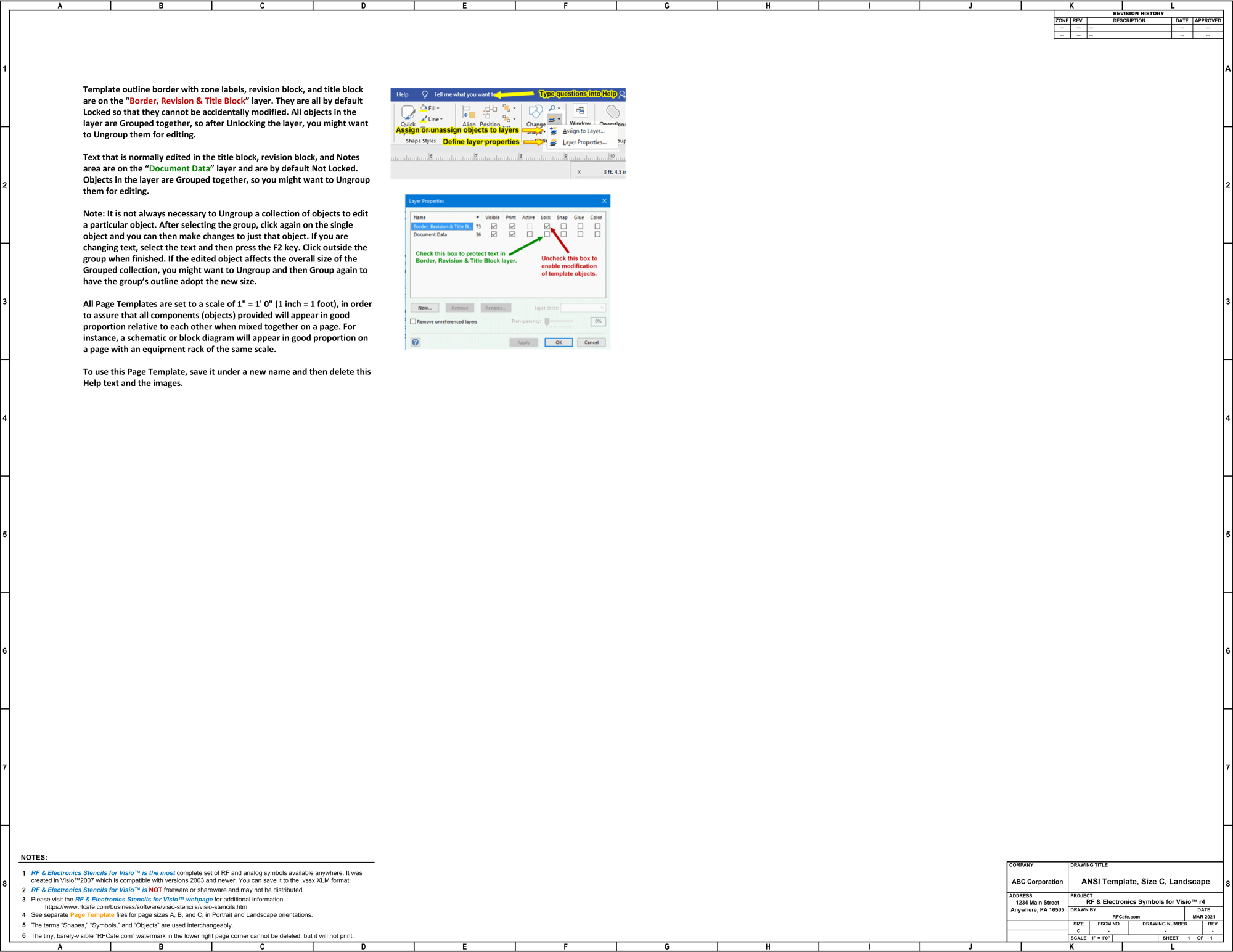
Page Template, Size A Landscape
Page Template, Size B Portrait
Page Template, Size C Landscape
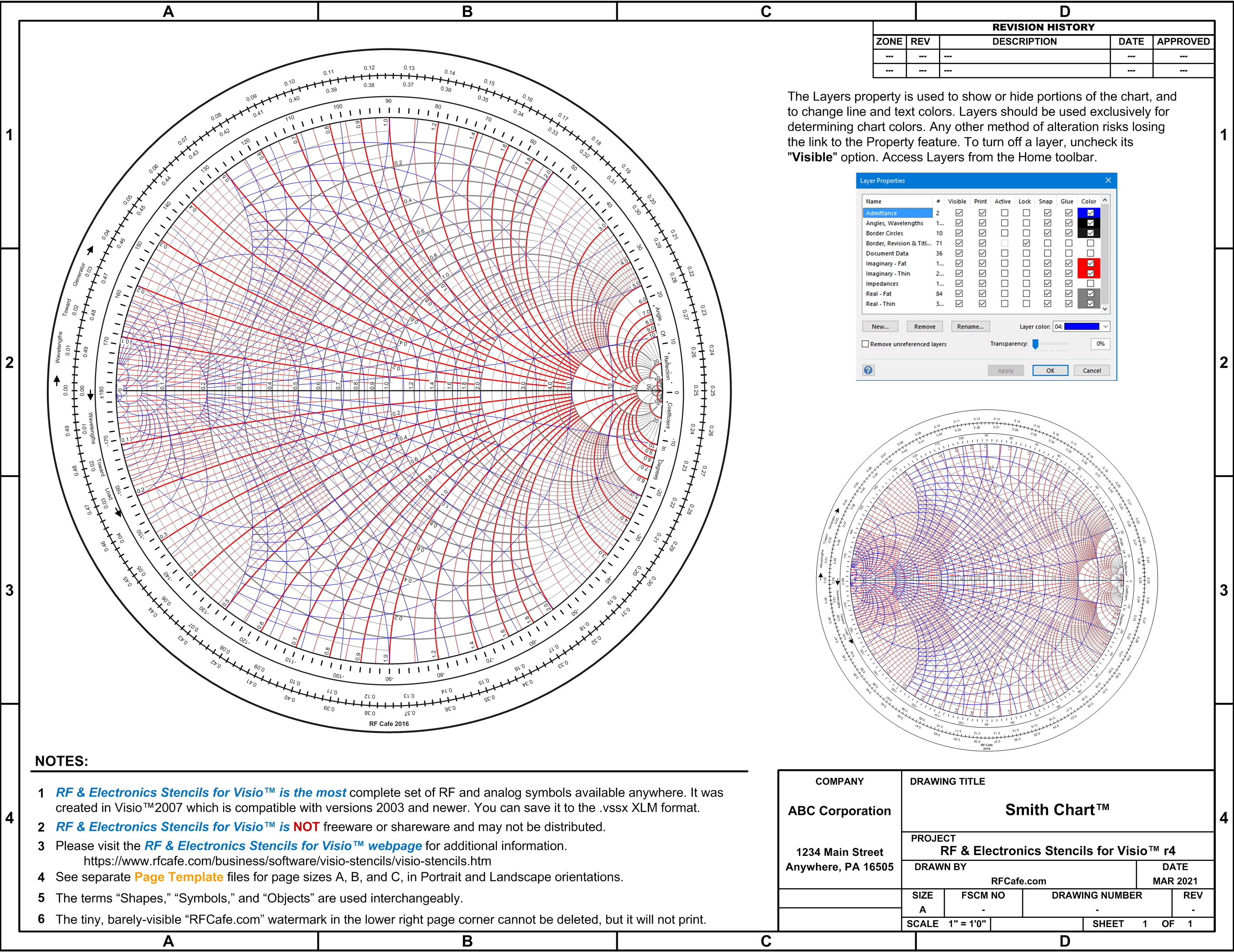
Smith Chart™ Smith Chart rights owned by the IEEE |
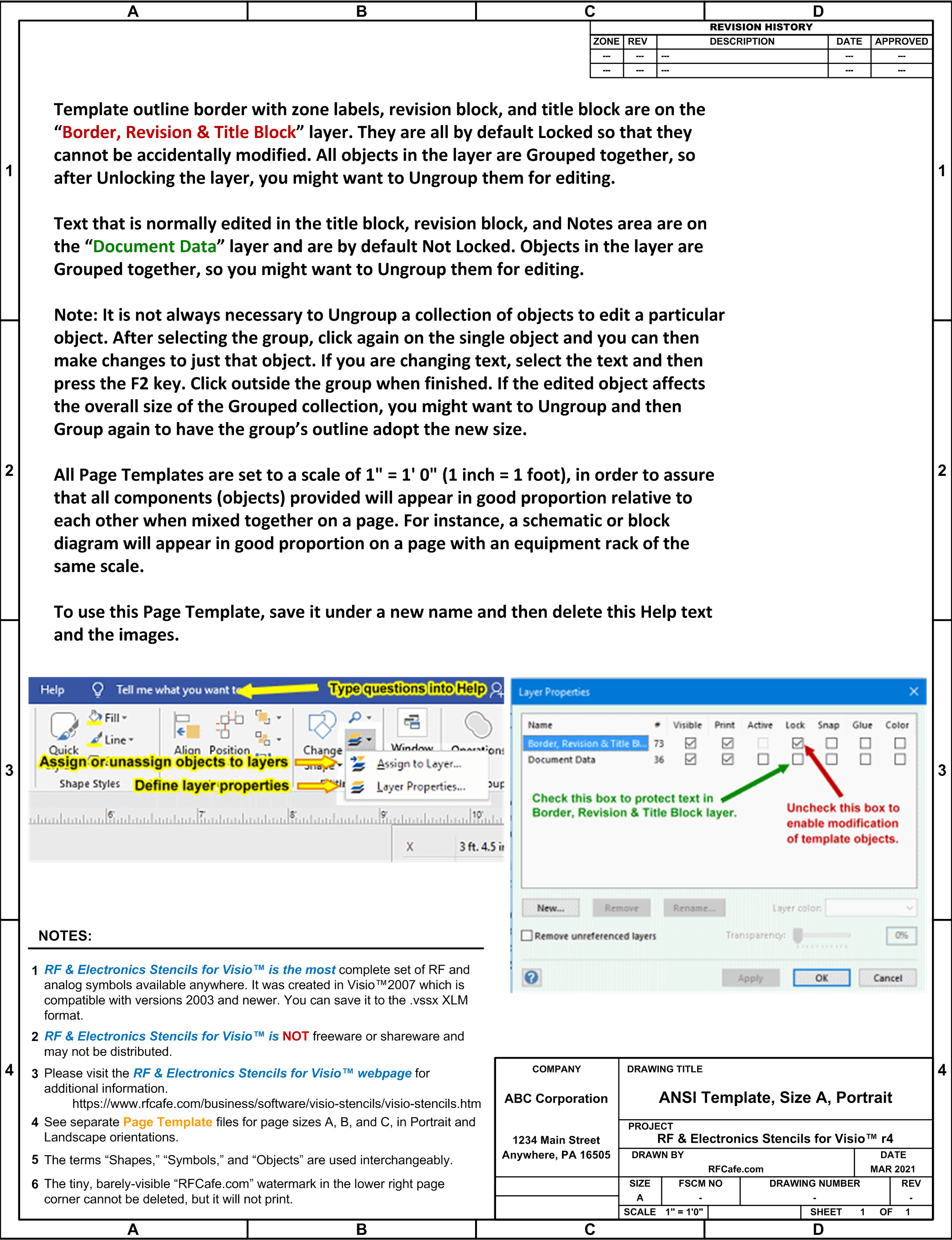
Page Template, Size A Portrait
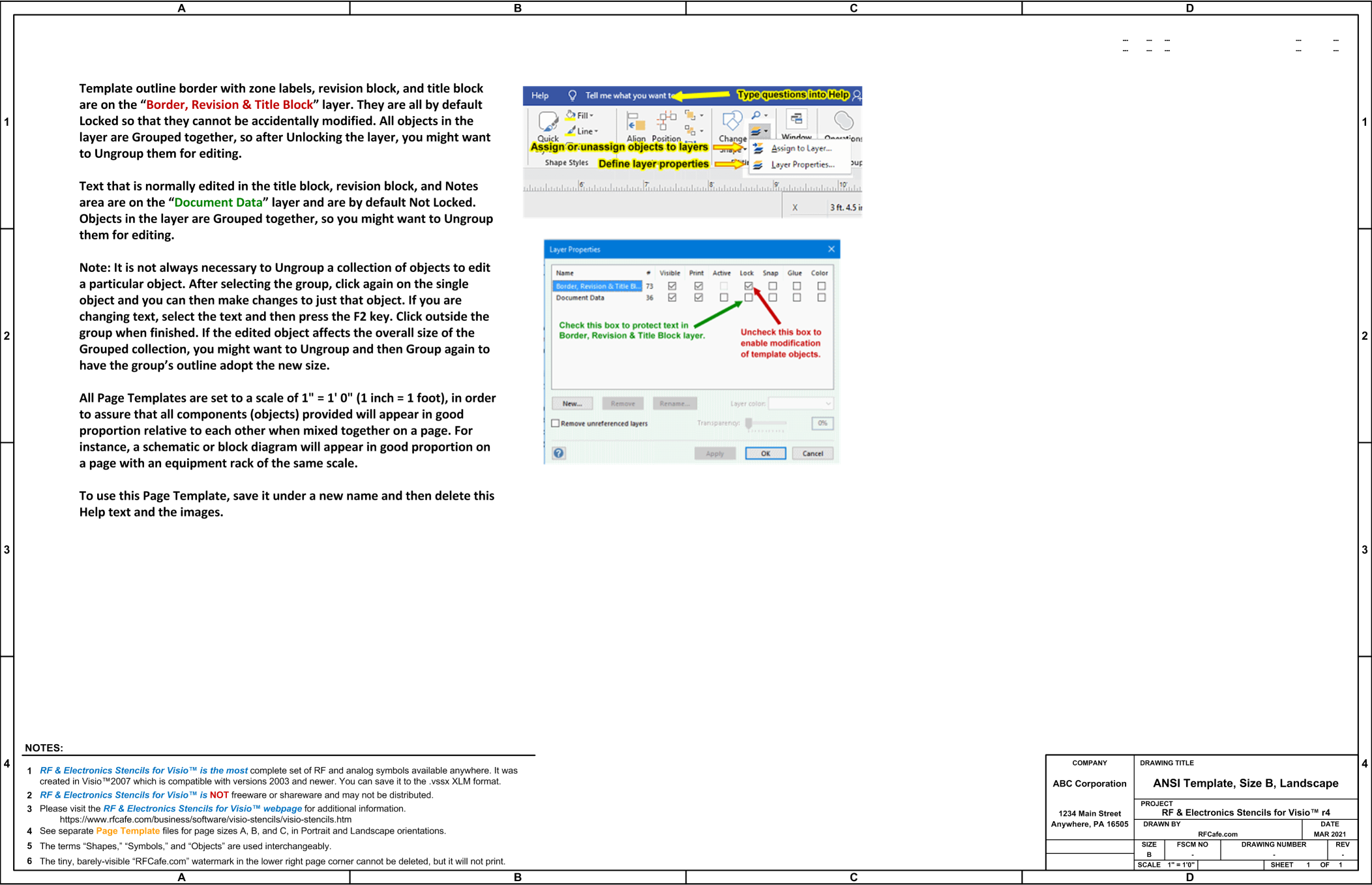
Page Template, Size B Landscape
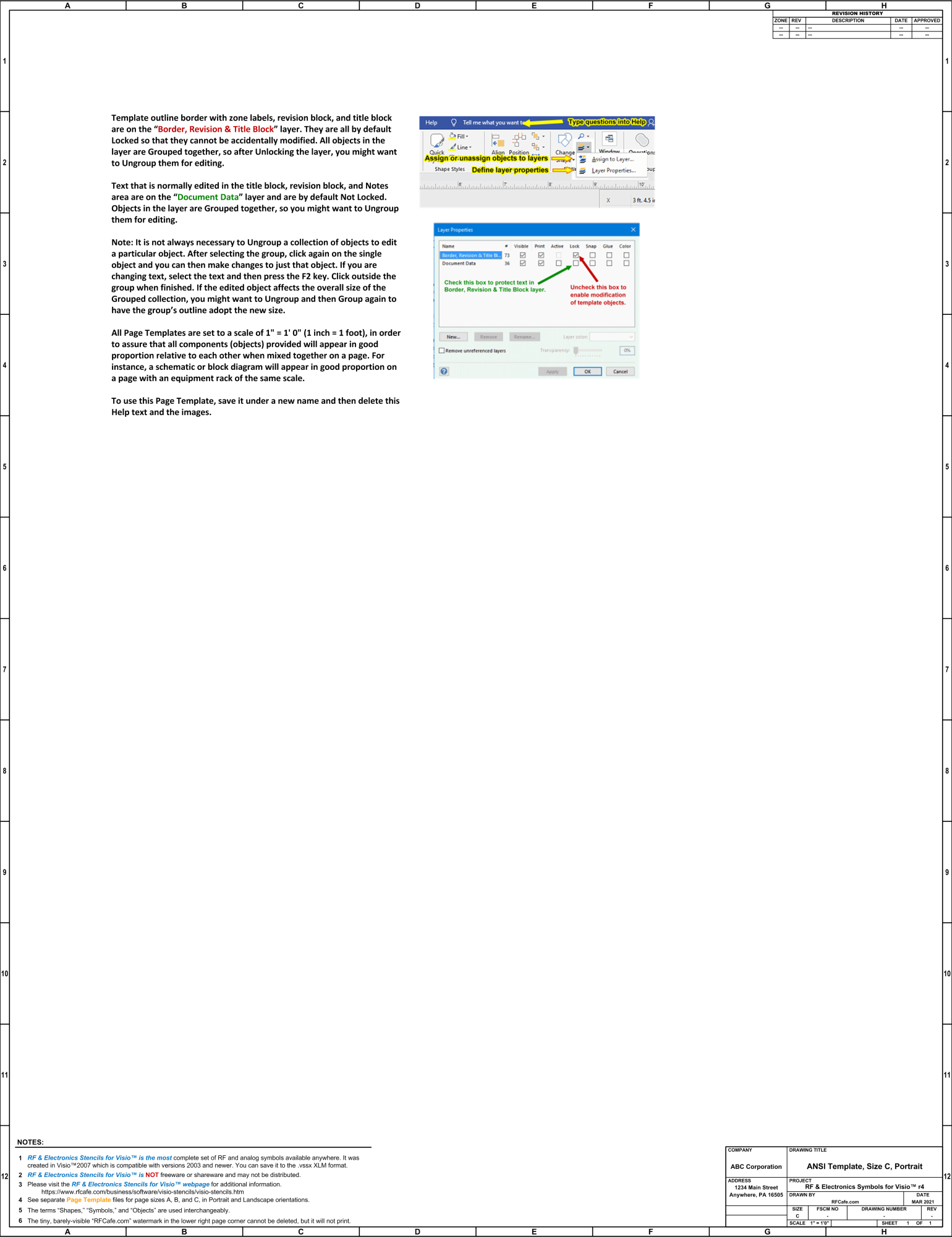
Page Template, Size C Portrait |











Copyright: 1996 - 2026 |
About RF Cafe RF Cafe began life in 1996 as "RF Tools" in an AOL screen name web space totaling 2 MB. Its primary purpose was to provide me with ready access to commonly needed formulas and reference material while performing my work as an RF system and circuit design engineer. The World Wide Web (Internet) was largely an unknown entity at the time and bandwidth was a scarce commodity. Dial-up modems blazed along at 14.4 kbps while tying up your telephone line, and a lady's voice announced "You've Got Mail" when a new message arrived... |
Copyright 1996 - 2026 All trademarks, copyrights, patents, and other rights of ownership to images
and text used on the RF Cafe website are hereby acknowledge My Hobby Website: My Daughter's Website: |
